Easy To Use
The best way to reduce digital noise


Photos clicked in low light, indoor often have grains and this is what is referred to as digital noise. To reduce this digital noise we need an app that can help deal with this problem effectively and easily. Noise Reducer Pro is an app deals with this problem professionally. The app removes digital noise from photos to make them spotless without sacrificing the image quality. Using its custom, medium, and light noise reduction levels in no time you can adjust the noise in a photo and get stunning results.

The best way to reduce digital noise

Preview original and denoised image before saving the image
Effortlessly remove digital noise and make them look perfect.
Adjust matching levels to reduce digital noise and get noiseless photos.
Control digital noise using any of the three levels Light, Medium, Custom.
Click the photo directly from the app to get noiseless clicks.
Denoise photos and compare the results before saving the denoised image.
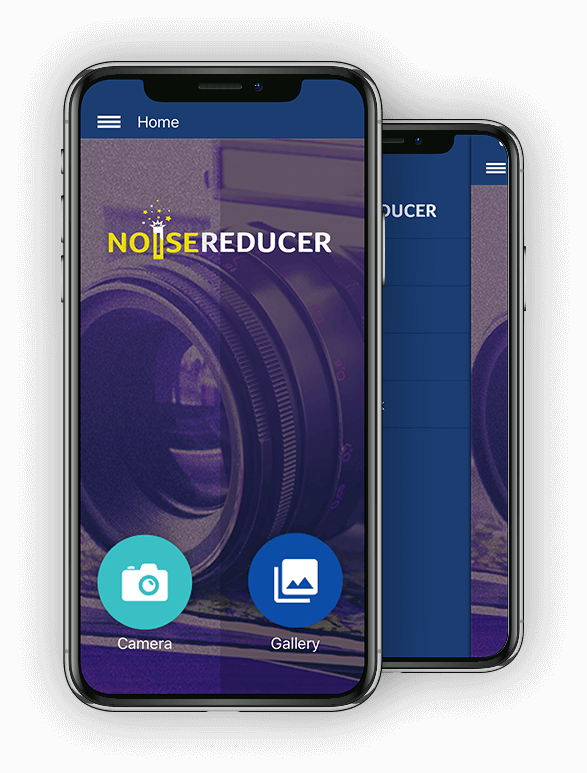
Noise Reducer Pro is a magnum opus of noise reduction. This app is pretty straightforward you can either use the default settings or can use the sliders to tweak the photo yourself. Alongside Noise Reducer Pro pays special attention on preserving details and photo quality after reducing noise. This denoise app helps reduce luminance and chromatic noise present in the images without losing image sharpens or details. Not only this, Noise Reducer Pro is a get-to-go for both professionals and novice users.

Using Noise Reducer Pro is very simple once it is installed on your iPhone you need to do anything, as soon as you select an image it will start the process. However, to click the image directly from the app you will need to grant access permission so that the app can access the camera. This will help you click denoised images quickly and effortlessly.


Distortions, grains and specks in photographs can be annoying. Use Noise Reducer Pro to remove all digital noise from your images to make them spotless.