 Advanced Disk Recovery
 Getting Started
Advanced Disk Recovery / Getting Started / How to Update Advanced Disk Recovery?
How to Update Advanced Disk Recovery?
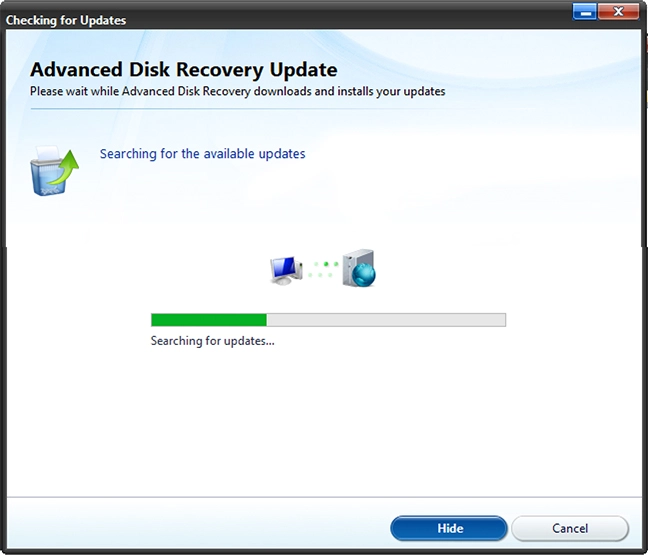
To check for available product updates, follow the steps below:
1. Launch Advanced Disk Recovery.
2. Click the down arrow next to Help  present in the top right corner.
3. Select Check for Update option & wait for it to check for available updates.
4. If available they will be downloaded with the user’s consent. If you are running the latest version you will get a message, there are no updates for your product at this time.


5. Click Finish button and start using the product.