 Advanced Disk Recovery
 Getting Started
Advanced Disk Recovery / Getting Started / How to Activate Advanced Disk Recovery
How to Activate Advanced Disk Recovery?
Activation-
To take advantage of the advanced features offered by Advanced Disk Recovery, we suggest registering it before running the scan. To activate the copy of the software and recover deleted files follow these steps:
1. Run the trial version of Advanced Disk Recovery.
2. Click the orange Register Now button present in the left pane.
3. Copy the key from the purchase confirmation email and paste it under the Enter license key box.

4. Click Activate Now button to register the product.
5. Once the product is successfully registered you will get a message, Thank you for activation. Advanced Disk Recovery will now restart.

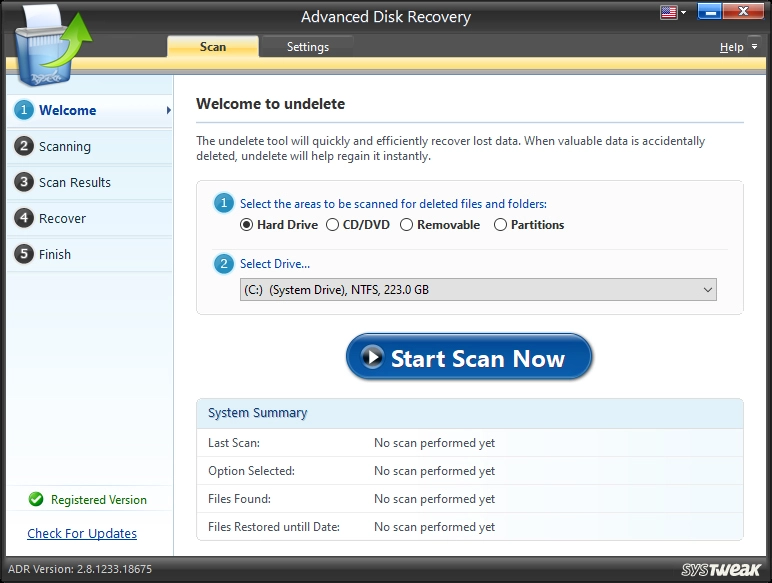
6. You now have the registered version of the product up and running.
While activating the product, if you face any problem contact our support team at support@systweak.com