 Advanced Disk Recovery

 Getting Started
Systweak Photos Recovery / General Settings
General Settings
Photos Recovery allows you to decide whether you want to run the application at startup or not. From the General Settings option you can enable to disable Launch at System Startup.
To run Photos Recovery at boot time follow the steps below:
Launching Photos Recovery at Startup
- Launch Photos Recovery
- Click the gear icon present in the top pane
- Select Settings
- Click General from the left pane
- Checkmark the box next to Launch at System Startup > Apply
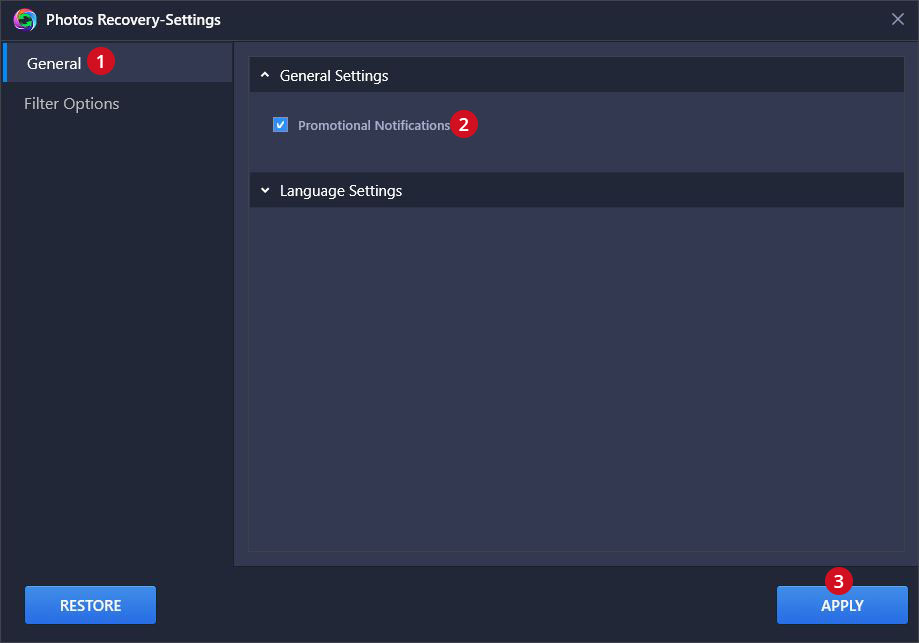
Photos Recovery will now run at boot time.