 Secure Data Delete Pro
Secure Data Delete Pro / User Guide / Features / Wipe Files & Folders
Wipe Files & Folders
Secure Data Delete Pro allows you to permanently select and delete specific files and folders. Unlike regular deletion methods that leave traces behind, this feature ensures your files are unrecoverable.
Steps to Use:
Go to the Files & Folders section in the left panel.
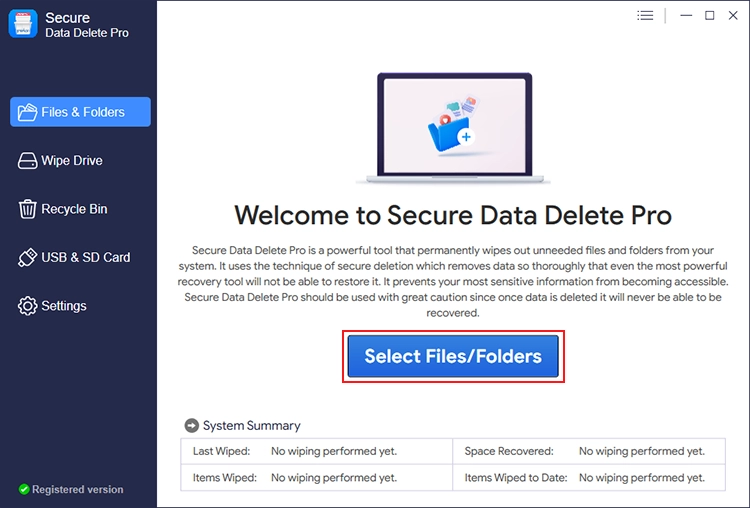
Click Add File or Add Folder to choose the items you want to delete.

Select a wiping method from the bottom panel:

- Fast Secure Delete
- Random Fill Data Streams
- American DoD 5220.22-M
Click Next to confirm the action.

Enter the secure code displayed to finalize the deletion.


Best For:
- Deleting personal photos, tax documents, and financial records.
- Removing work-related files securely before sharing a system.