
Introduction
A Windows update may look like a routine notification, but some updates fix serious security problems. Attackers can use these flaws to gain access to a PC, run code, or get higher system privileges.
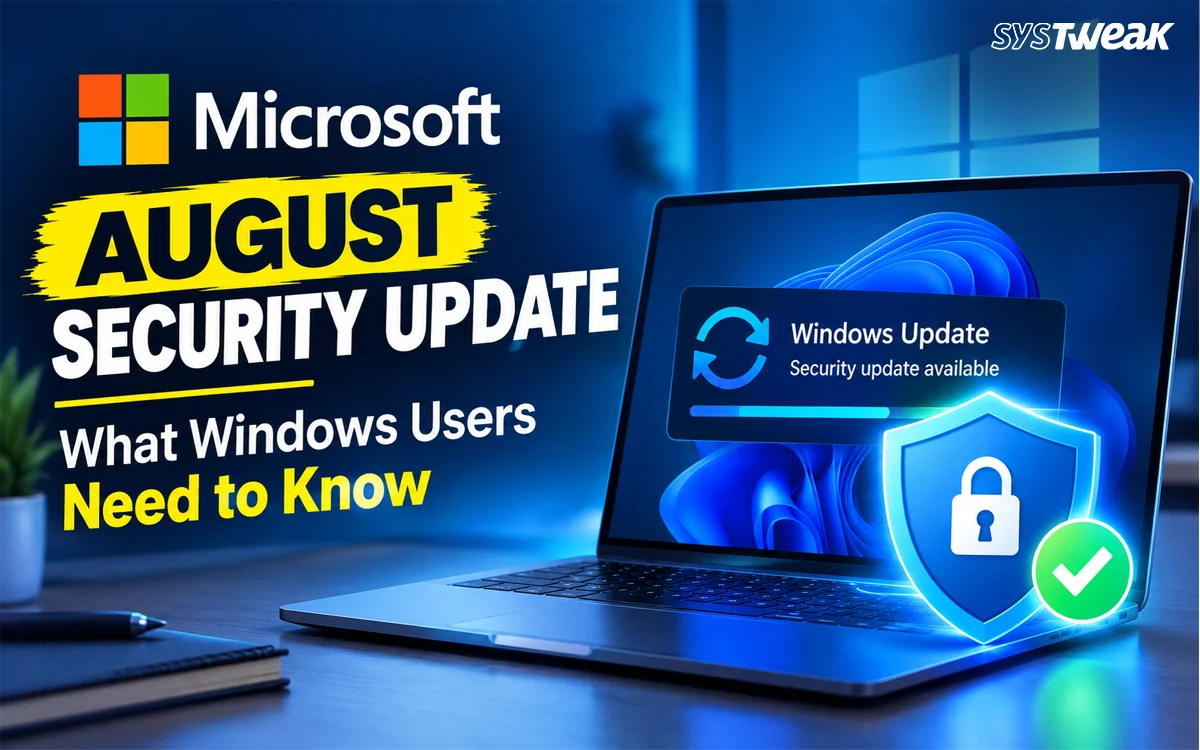
The Microsoft security update August 2026 deserves attention because it fixes a large number of Microsoft vulnerabilities. More importantly, one Windows zero-day was already under active attack when Microsoft released the fix.
You do not need to understand every CVE in the release. What matters is knowing whether your version of Windows is covered, which update you need, and why you should install it.
What Is the Microsoft August 2026 Security Update?
Microsoft releases security fixes on the second Tuesday of each month. This release is known as Patch Tuesday. The August 2026 update arrived on August 11.
For Windows 11 24H2 and 25H2, Microsoft released KB5121003. Windows 11 23H2 received KB5120240, while Windows 11 26H1 received KB5121000. These are cumulative updates, so users do not need to install every earlier monthly update separately.
The Windows security update also contains quality fixes and servicing improvements. Microsoft is using the release to expand the rollout of new Secure Boot certificates on supported devices. For most users, Windows Update handles the process without any manual work.
How Serious Are the August Microsoft Vulnerabilities?
The August release is one of Microsoft’s larger monthly security releases. Tenable counted 398 CVEs, with 42 Critical, 355 Important, and one Moderate. Other reports may show different totals because security researchers use different methods to count vulnerabilities and related fixes.
A CVE is a unique identifier given to a known security vulnerability. Each CVE can have a different level of risk.
The August release includes flaws that can lead to:
- Elevation of privilege
- Remote code execution
- Information disclosure
- Security feature bypass
- Tampering
- Denial of service
An elevation-of-privilege flaw can let an attacker with limited access gain more control over a system. A remote code execution flaw can allow an attacker to run malicious code on a vulnerable system.
That does not mean every Windows PC is under attack. It does mean users should not ignore security updates that fix known weaknesses.
The Windows Zero-Day You Should Know About
A zero-day refers to a security flaw that attackers can exploit before users have had a normal chance to protect their systems with an available fix. When Microsoft releases a patch for an actively exploited zero-day, installing it becomes a priority.
Therefore, the most important vulnerability in the August security patch is CVE-2026-68820. It affects the Windows Ancillary Function Driver for WinSock. The flaw can allow an authorized local attacker to raise their privileges and gain SYSTEM-level access. Security researchers gave the vulnerability a CVSS score of 7.0 and rated it Important.
The key concern is that this was not only a theoretical risk. Microsoft confirmed that CVE-2026-68820 was exploited in the wild. It was also added to the U.S. Cybersecurity and Infrastructure Security Agency’s Known Exploited Vulnerabilities catalog.
Two other vulnerabilities in the release were also publicly disclosed:
- CVE-2026-62832 affects the Windows User Profile Service and can allow local privilege escalation.
- CVE-2026-72971 affects the Windows Container Isolation FS Filter Driver and can allow local tampering.
Which Windows Versions Get the August Security Patch?
The main Windows client updates are:
| Windows version | August 2026 update |
| Windows 11 26H1 | KB5121000 |
| Windows 11 25H2 | KB5121003 |
| Windows 11 24H2 | KB5121003 |
| Windows 11 23H2 | KB5120240 |
| Windows 10 22H2/21H2 | KB5120249 for eligible systems |
Microsoft says KB5121003 applies to Windows 11 24H2 and 25H2. KB5120240 applies to Windows 11 23H2, and KB5121000 applies to Windows 11 26H1.
Windows 10 users need to pay closer attention to their support status. Regular support for Windows 10 22H2 ended in October 2025. The August 2026 KB5120249 security update applies to Windows 10 ESU and supported Enterprise LTSC editions.
What Else Does the August Update Change?
Security fixes are the main reason to install the update, but Microsoft also includes other changes.
One important area is Secure Boot. Certificates used by many Windows devices began expiring in June 2026. Microsoft has been rolling out newer certificates through Windows Update. A device that has not received the new certificates will continue to start and receive standard Windows updates, but Microsoft continues to expand certificate deployment.
Windows 11 24H2 and 25H2 also received other quality changes with KB5121003.
Microsoft first reported a problem in which some games became unresponsive after the update. The issue involved certain RGB-related peripherals or internal components and drivers with names similar to inpoutx64. Reported games included ARC Raiders, MARVEL Tōkon: Fighting Souls, and THE FINALS.
However, there is an important update to this issue: Microsoft later marked it resolved on August 26, 2026, and said its investigation found that the problem was linked to the affected RGB hardware and software, rather than the Windows update itself.
How to Install the Microsoft August 2026 Update
Windows should offer the update through Windows Update.
- Press Windows + I to open Settings.
- Select Windows Update.
- Click Check for updates.
- Let Windows download and install the available update.
- Restart the PC if Windows asks you to do so.
You can also check Settings > Windows Update > Update history to see whether the August update is installed. If you need to install an update manually, Microsoft also provides packages through the Microsoft Update Catalog.
Should You Install the August Security Patch?
Yes. The August 2026 Windows security update fixes many known security flaws, and one of them was already being exploited.
Before installing any major update, save your work and make sure important files are backed up. If you manage business PCs, test the update with your normal deployment process. For home users, there is little reason to delay the August security patch if Windows Update offers it for your device.