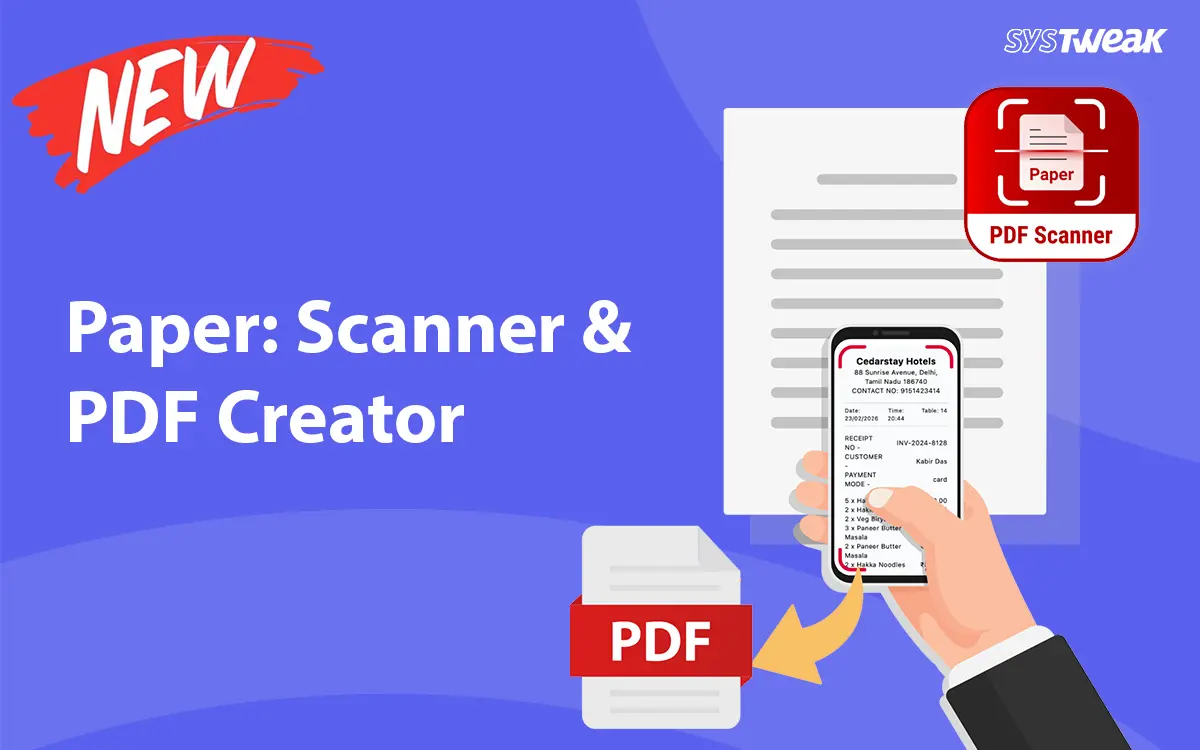

Systweak Software has released Paper: Scanner & PDF Creator, an Android application that turns physical documents into shareable PDFs using a phone camera, without an internet connection, a cloud account, or any extra hardware.
Key Features
Scan and Create PDFs with three capture modes:
- Standard document scanning for contracts, invoices, lecture notes, and multi-page reports
- Single-side ID card scanning for quick capture of identification documents
- Two-side ID card scanning that assembles both sides into a single PDF in one session
Five image output modes:
- Original – Colored documents and forms requiring natural, color-accurate output
- Lighten – Pages scanned in low light or documents with faded print
- Magic Color – Color-heavy materials such as brochures, receipts, and printed reports
- B&W 1 – Typed or printed text documents needing clean, readable output
- B&W 2 – Documents requiring high-contrast clarity, such as older printed records
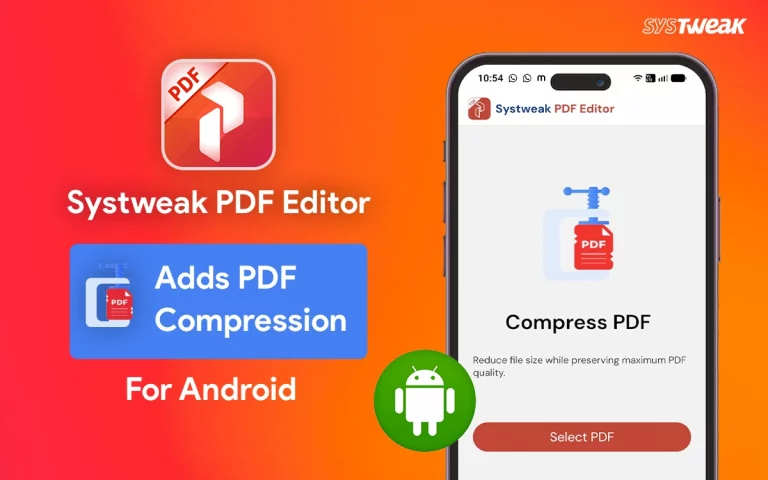
Compress PDFs – Reduces the file size of any PDF, including documents created from scanned pages, with no file size restrictions. Three compression levels (Low, Medium, High) offer customization options for balancing output quality and file size. Compressed files can be shared or opened immediately without switching apps.
Privacy and Offline Use – All processing runs on the device. No document data is collected, transmitted, or shared with third parties.
“Most people’s work device is now a phone, not a desktop. Paper: Scanner & PDF Creator was built for that reality, no Wi-Fi needed, no login, no waiting. Students, shop owners, freelancers, field staff, anyone who deals with paperwork on the move now has a tool that keeps up with them,” said Shrishail Rana, CEO, Systweak Software.
Praveen Khanna, Vice President at Systweak Software, added: “Many document scanner apps route files through external servers, which raises legitimate questions about privacy. We built Paper: Scanner & PDF Creator so that nothing leaves the device unless the user chooses to share it.”
Download: https://play.google.com/store/apps/details?id=com.systweak.paperscanner
About Systweak Software
Systweak Software has grown from a single PC optimization tool to a multi-platform software company with products across Windows, Mac, iOS, and Android, spanning system optimization, PDF editing, data recovery, driver management, and mobile productivity. Featured on Newswatch and Discovery Tech News Bulletin, its portfolio, including Systweak PDF Editor, Advanced Data Recovery, Advanced Driver Updater, and Duplicate Photos Fixer, is used by millions globally.
Source: https://www.prlog.org/13146101-systweak-software-launches-paper-scanner-pdf-creator-for-android.html