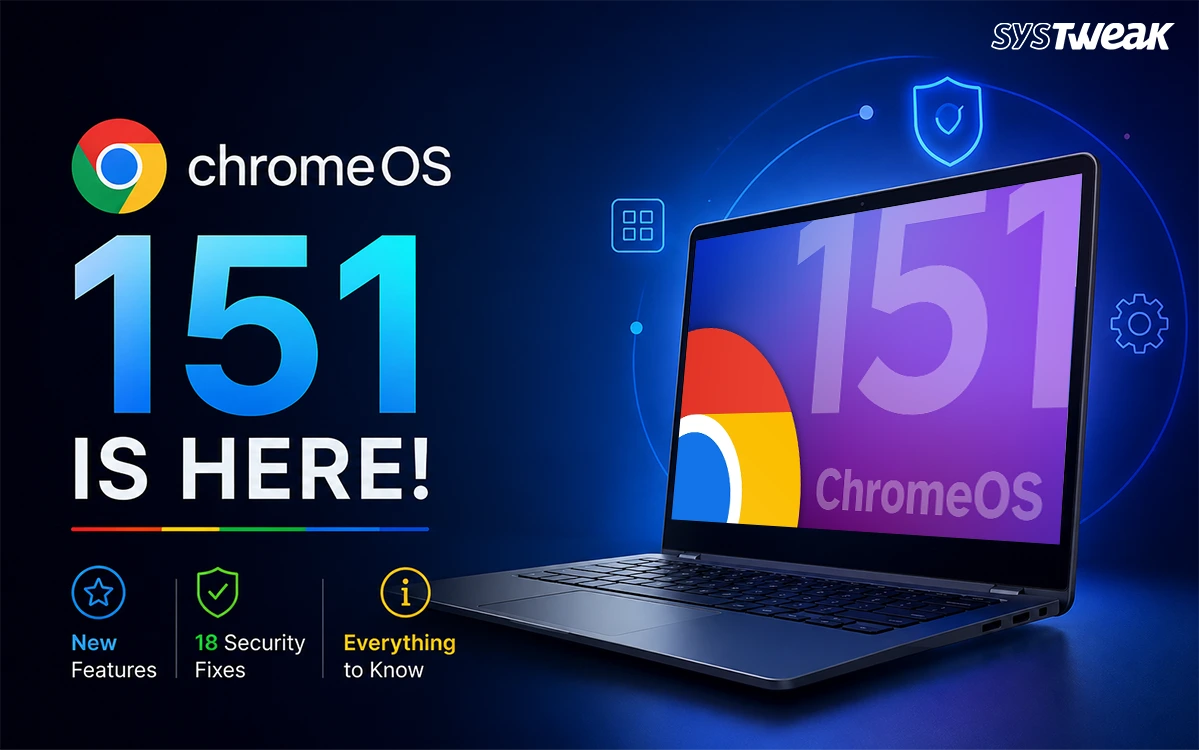

ChromeOS 151 is rolling out now to Chromebooks and ChromeOS Flex devices on the Stable channel. This release has many visual updates as well as some of the most heavy-hitting security related updates we’ve seen in awhile along with several user-friendly updates that will make using your device easier. Here is a full rundown of ChromeOS 151 features, what this ChromeOS update means for your device, and whether you need to do anything about it.
What’s New in ChromeOS 151
Smart bookmark bar auto-hide. Under Settings, then Appearance, you will now find explicit controls for bookmark bar visibility. If Chrome notices you are not regularly interacting with the bookmark bar on the New Tab page, it can automatically hide it to keep your browsing space cleaner.
Gemini Safe Browsing. Real-time Safe Browsing protection now extends specifically to Gemini interactions, adding a layer of protection to Google’s AI assistant that previously applied mainly to regular browsing.
Chrome Kiosks App cutoffs. The Chrome Apps in Kiosk Mode will be discontinued; a change that mainly affects schools and businesses running dedicated single purpose Chromebook setups.
ChromeOS 151 Security Fixes: 18 Vulnerabilities Patched
This ChromeOS 151 security update resolves 18 CVE tracked vulnerabilities across core system components, grouped here by the part of the system each one touches:
- Mojo and window management: A critical integer overflow in Mojo and a use-after-free vulnerability in the Aura window manager.
- DOM and WebGL: There are multiple “use after free” vulnerabilities and multiple data validation issues with DOM, plus an improper implementation issue in WebGL.
- File system and input handling: Insufficient policy enforcement in the File System Access API and a use-after-free bug in input handling.
- Credentials and authentication: Password data validation bugs and a Web Authentication use-after-free flaw.
- Payments, resources, extensions, and web workers: Additional fixes spanning the payments system, resource handling, the extensions platform, and web workers.
Although Google has not indicated in their release notes that there is currently active exploitation on any of these vulnerabilities, the sheer volume, 18 separate CVEs in one release, makes this update worth installing promptly rather than postponing.
Hardware and Enterprise Changes
ChromeOS 151 sets new hardware cutoffs specifically for ChromeOS Flex, the version of ChromeOS built to run on ordinary PCs and Macs. Any device that is utilizing an older Graphics Processing Unit (GPU), including Intel and AMD GPU’s prior to 2010 as well as all Nvidia GPUs prior to 2014 will receive no further update releases and be frozen to the previous stable release of Chrome OS (ChromeOS 150) after ChromeOS 151 is released.
On the enterprise side, the URLBlocklist policy now applies fully inside Incognito windows, closing a loophole where allowlist settings could previously bypass restrictions in private browsing sessions; this change is aimed for school IT and enterprise device management.
Will Every Chromebook Get This Update?
Not immediately, and not always the same version. Chrome, and by extension ChromeOS, ships on a staged rollout that reaches devices gradually over days to weeks rather than all at once. Beyond that, many schools and enterprises have their Chromebooks locked into the separate Long Term Support (LTS) channel as opposed to the regular release cycle. The current primary LTS branch is set to remain anchored on an earlier milestone until October 6, 2026. If your Chromebook is managed by a school or workplace, it may not receive ChromeOS 151 at all until that LTS window changes, regardless of how long you wait.
How to Check for the ChromeOS 151 Update
1. Open your Chromebook’s Settings.
2. Select About ChromeOS from the bottom left menu.
3. Under this screen click check for updates.
4. If ChromeOS 151 is available for your device, it will begin downloading automatically.
Frequently Asked Questions
The Bottom Line
ChromeOS 151, the ChromeOS latest version rolling out now, pairs a couple of small, welcome interface changes with a genuinely heavy security update, 18 vulnerabilities patched in a single release, plus meaningful hardware and enterprise policy changes underneath. Because rollout is staged, and managed devices on the Long-Term Support channel may not see it for a while yet. So if you want to find out right away how far into the process your particular device is, check Settings>About ChromeOS.