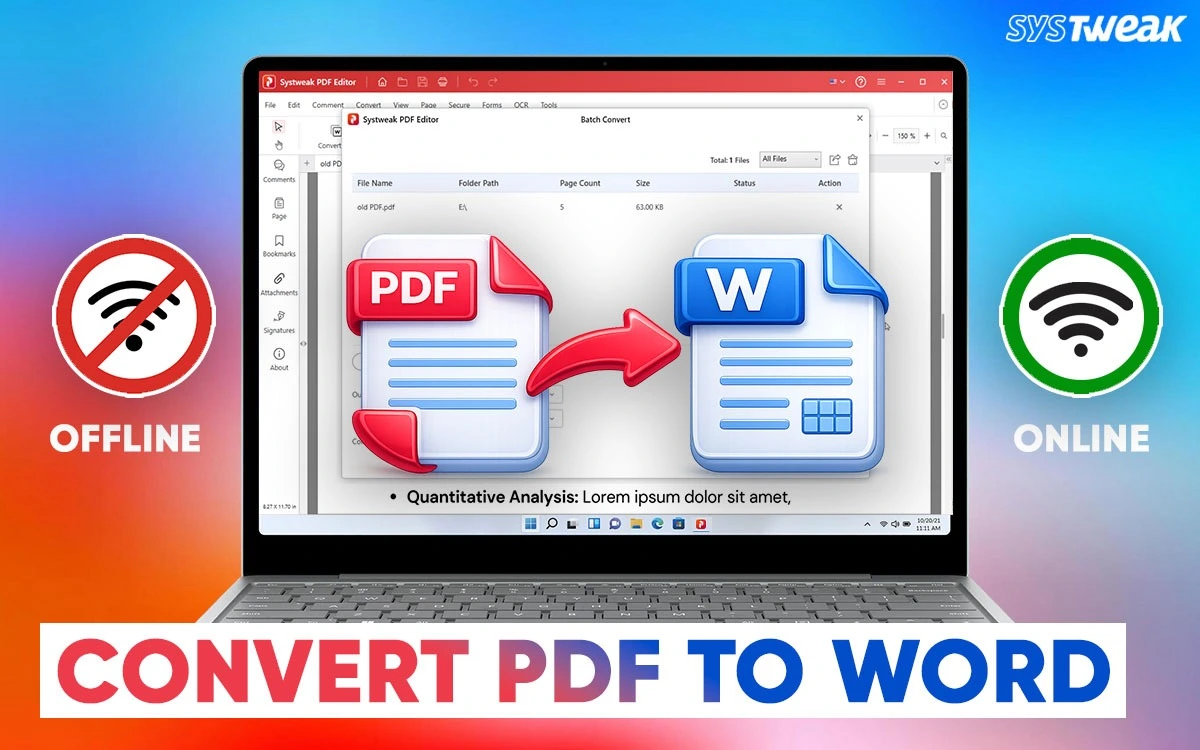

Most of us need to use PDF files in our daily work. We use PDF files for resumes, contracts, reports, eBooks, or even personal notes. The problem starts when you need to edit a PDF file because pdf files are mainly designed for viewing, not editing. If you want to make changes in pdf file, you have to convert PDF into a Word file. That’s why a good PDF to Word converter tool is helpful.
Some people prefer to convert PDF files to Word offline to keep their files safe and private. Others just want a simple online tool to quickly change a PDF into a Word file. Choosing the right PDF converter can save your time and prevent unnecessary problems. In this article, we will look at some of the best offline and online PDF to Word converter tools for windows user.
Why You Need a PDF to Word Converter
PDF documents are used for sharing information in the form of text and images because they look the same on any device. But it is not easy to edit regular PDF or Scanned PDF files. If we convert our PDF into a Word document, then we can::
- Edit it while keeping the original format, without retyping anything.
- Use the content again in reports, assignments, and contracts.
- Update old PDFs with new information.
- Easily extract tables, images, and formatted text.
- Save time compared to copying everything manually.
Offline vs Online PDF to Word Converters: What’s the Difference?
Before proceeding with any of the PDF converters. It is important to understand the differences between the online and offline converters.
Offline PDF to Word Converter
Offline software is directly installed on your computer. These desktop software can be considered perfect for users who regularly work with PDF files or handle private, sensitive information.
Key Benefits:
- Internet connection not needed
- Better Privacy and Data Security
- Faster performance for large files
- Advanced features such as OCR and batch conversion
- Can handle large and complex documents more smoothly
- More stable performance without being server dependent
- Some software’s offers one time purchasing.
If you frequently convert PDFs into Word files, software in offline mode is actually better.
Online PDF to Word Converter Tool
Online tools operate in your internet browser. These tools are best suited for once in a while conversion for PDF files which do not have private and business information.
Key Benefits:
- No installation necessary
- Easy to use
- Work across Devices
- Quick Conversions for Small Files
- Often free for basic usage
- Automatic updates without manual setup
- Saves storage space on your device
However, they could be subject to file size restrictions, number of files for conversion at once and privacy issues.
Read Also : Why is PDF Editing Essential for Every Modern Business?
Best Offline PDF to Word Converter Software for Windows
First, explore the best offline software that has the best features and provides great results.
1. Systweak PDF Editor
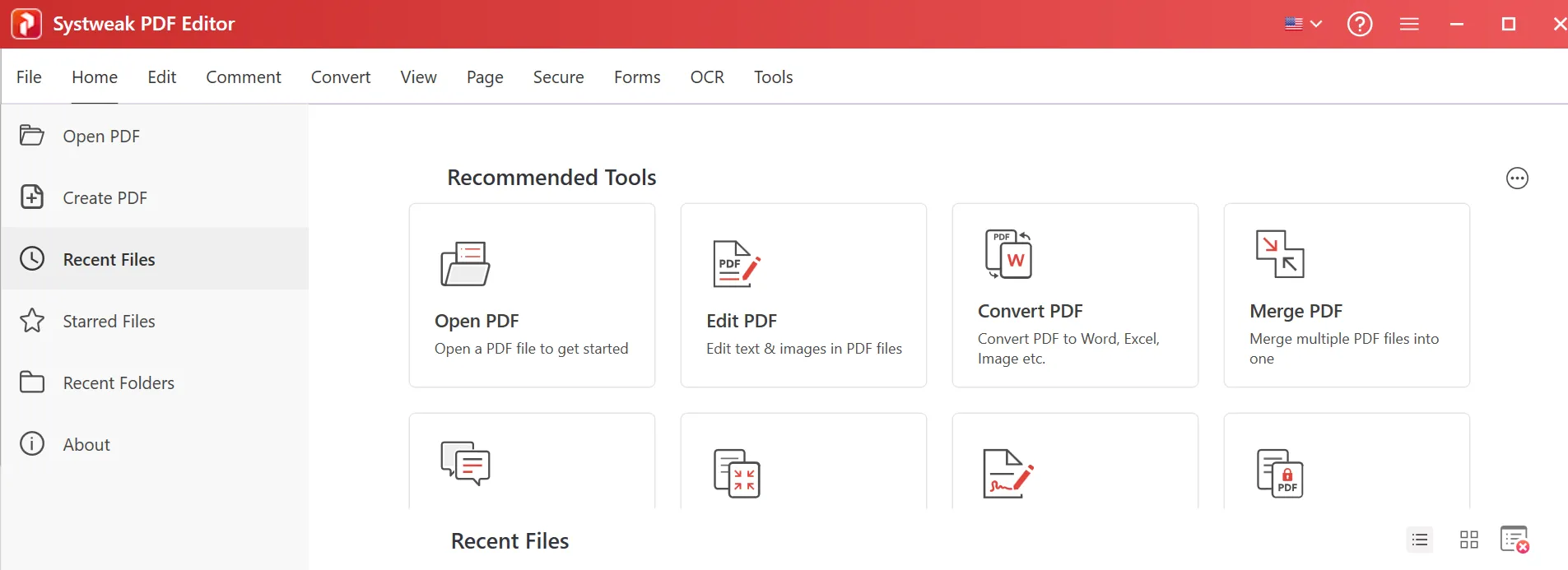
Systweak PDF Editor is an all-in-one PDF Converter tool. This software totally works offline. It provides maximum privacy and accuracy at its highest level, with an easy to use interface.

Why it stands out:
- Convert PDFs to fully editable Word documents
- Preserves original formatting, fonts, and images.
- Supports scanned PDFs using OCR feature.
- Works offline to maximize privacy
- The interface is simple and easy to use
- Batch convert multiple PDF documents into Word documents and vice versa
- Pocket-friendly with maximum features bundled into one software package
It would also be ideal for you if you need to make conversions from PDF to Word documents frequently, but offline, without the need to upload the documents online.
Best for:
- Best suited for government departments, to keep the information protected all the time while editing the documents effortlessly.
- Business owners can use the tool to convert the PDF documents, edit the invoices, sign and protect them.
- Best suited for University and college students for assignments and presentations.
- Best suited for professionals as they can convert the documents with ease and can use annotation and pdf management tools.
2. Adobe Acrobat Pro DC
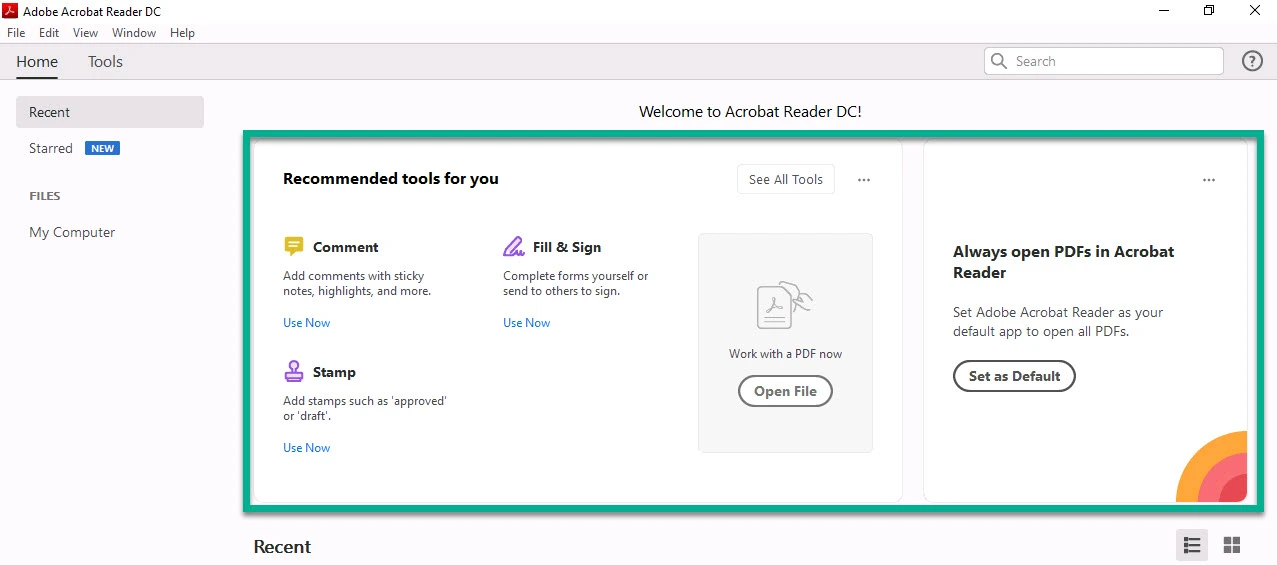
Adobe Acrobat Pro DC is a well-known tool in the world of PDF editors, if you are looking for PDF management. Although it has excellent features, the subscription prices are not considered pocket-friendly by business users/students.
Good features are:
- Convert high-quality PDF to Word
- Provide accurate layout & keep text formatting
- OCR support for scanned PDFs
- Ability of cloud & offline access
Although the performance is generally excellent, the price tends to be on the higher side that many subscribers would not like to pay. If you are considering a solid product with features and don’t care about the pricing, this product is for you.
Who is it good for?
- Businesses and power users who already use Adobe products.
3. Nitro PDF Pro
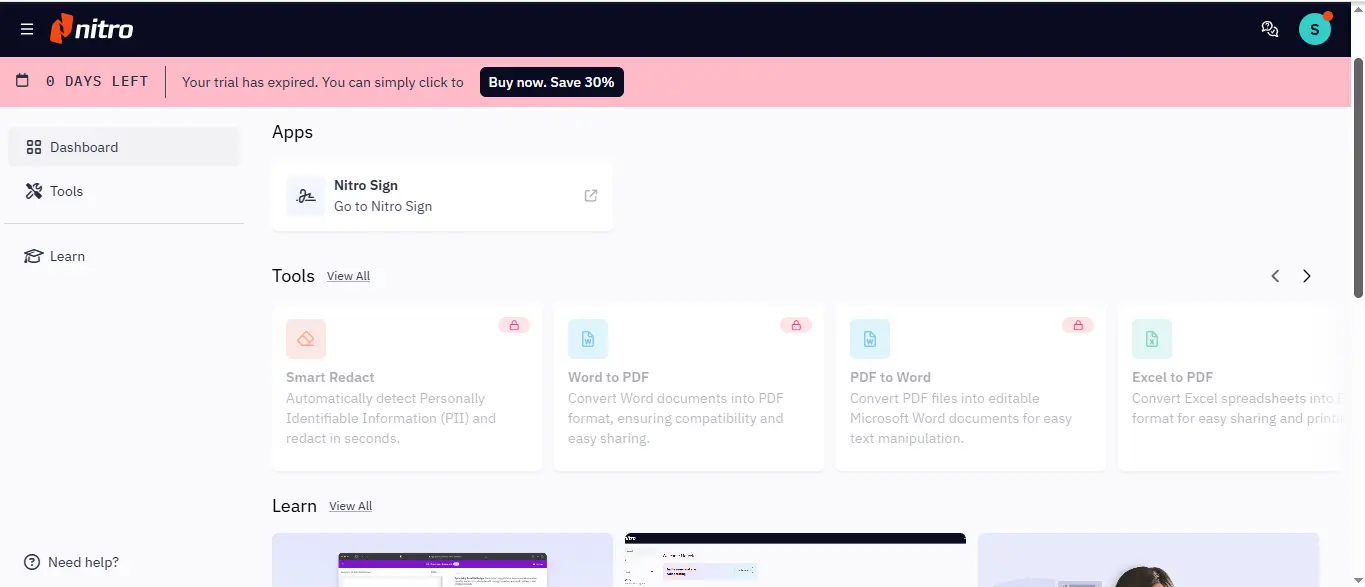
Nitro PDF Pro is a high-end PDF converter to Word for Windows. The following features are a summary of what Nitro PDF Pro offers:
- Quick conversion of PDF to Word DOC
- Batch processing capable
- Retains formatting & structure
- One-time license option
- Offers a balance between price and functionality
Ideal Users:
- People who use an office frequently and need to convert PDFs consistently without recurring costs.
Best Online PDF to Word Converter Tools for Windows
Online tools can be surprisingly effective if you don’t often convert PDF files or want a quick solution.
4. Smallpdf
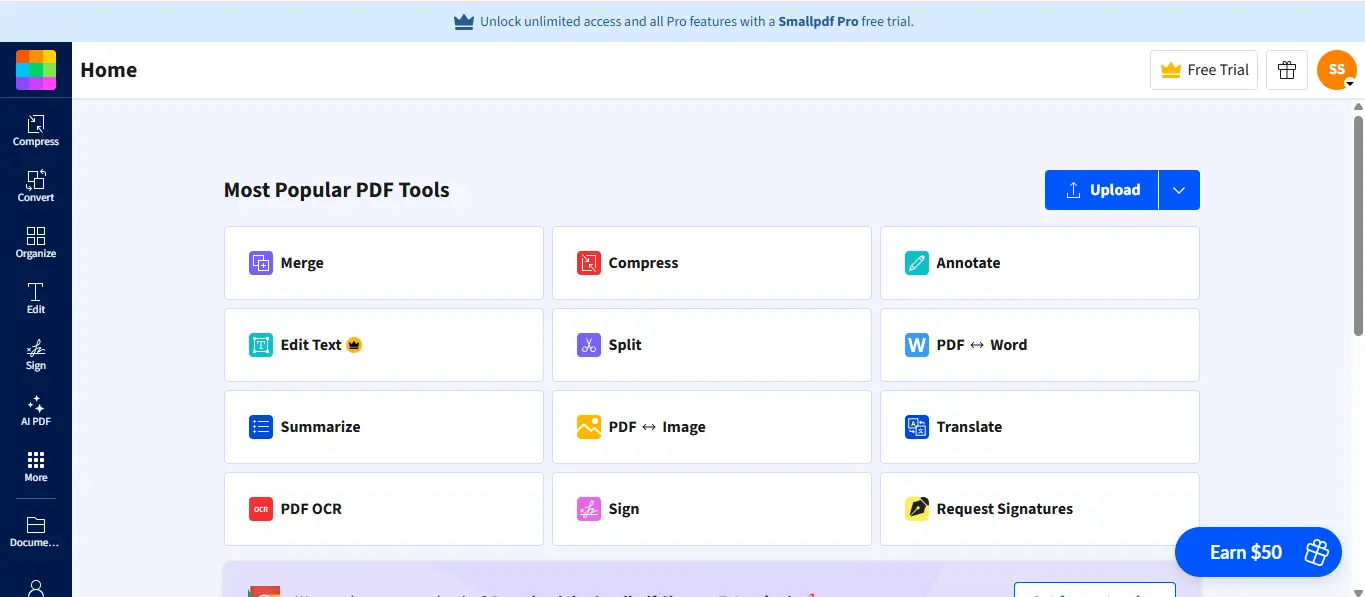
Smallpdf is one of the most well-known online PDF tools on the market today. Here are some reasons users love it:
- You don’t need any technical skills to use it.
- You can convert PDFs to Word quickly.
- It can be utilized on any device.
- The interface is simple to use.
Even though the free version has a lot of limitations when it comes to how many pages you can create from a PDF, it’s still suitable for creating very small files.
More suitable for:
- Quick, infrequent conversions.
5. iLovePDF
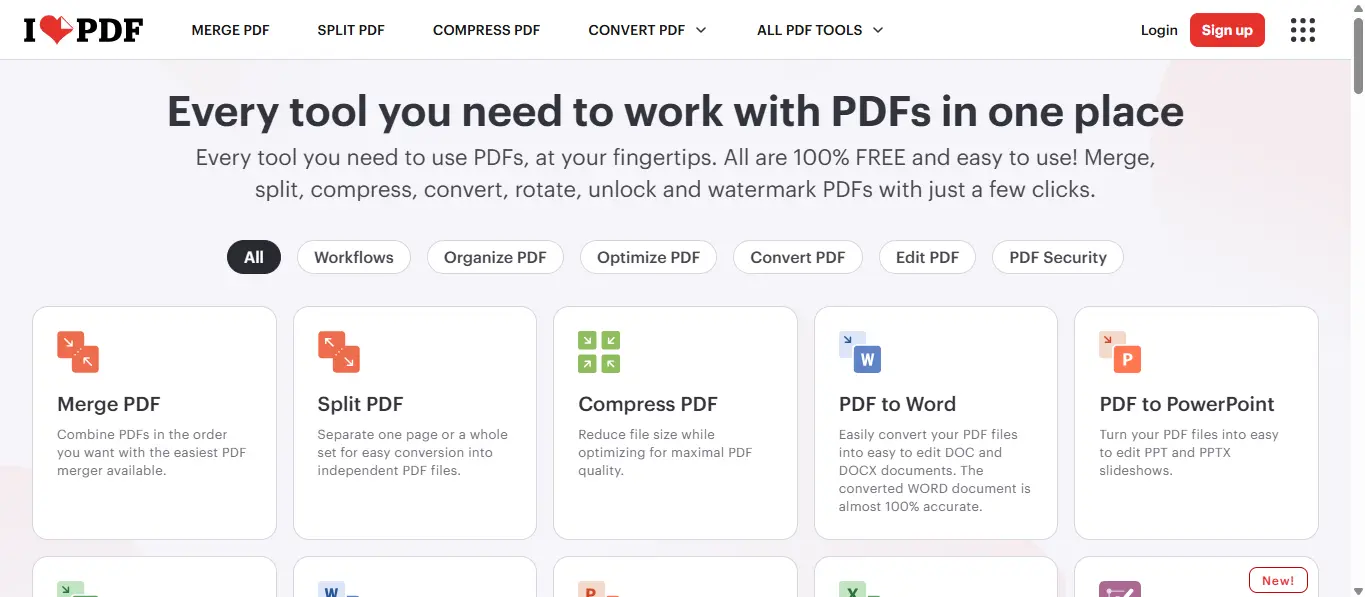
Another online converter that is a trustworthy choice for converting PDFs is iLovePDF.
Main Features include:
- A simple way to upload and convert files
- Support for multiple file types
- Good quality layout retention
- Ability to access via any web browser
Also, there are desktop versions of iLovePDF that provide flexibility.
Best suited for:
- students and those using it occasionally.
6. PDF2DOC
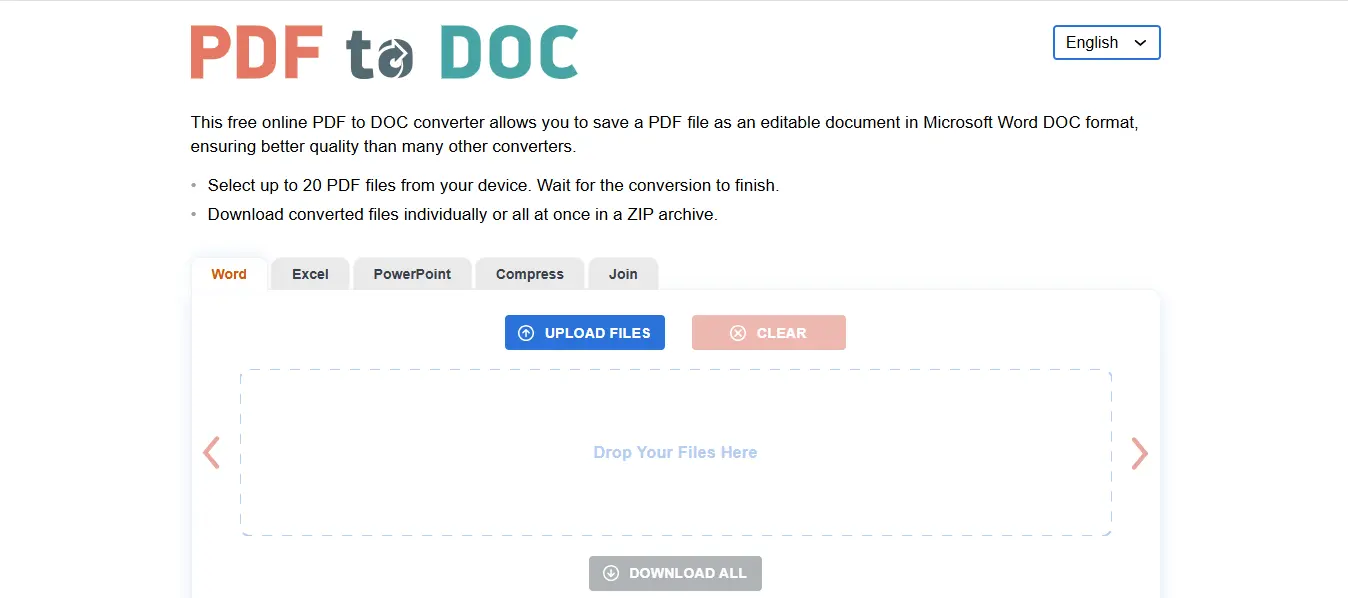
PDF2DOC is a minimalistic web-based program dedicated exclusively to conversion.
Key Features:
- No sign-ups are needed
- Fast conversion from PDF to Word DOC
- Ability to upload multiple documents at the same time
- Easy-to-use interface
- Retains some layout features but not all due to the complex formatting of documents.
Best suited for:
- Users only require a basic conversion of PDFs to Word format.
How to Choose the Best PDF to Word Converter
Today, many options are available to convert PDFs to Word format. The right one for your needs will depend on your requirements as well as on the type and size of the files. Here’s what you ought to look for when selecting your ideal converter:
1. Conversion Accuracy
Your ideal PDF to Word converter is one that maintains the original document’s formatting, font, tables, and image(s).
2. Offline Capability
If you require privacy, choose software program(s) that will allow you to convert to/from PDF to/from Word while working offline.
3. OCR Support
If you plan to work with scanned pdf documents, then you need to possess OCR capability to be able to edit scanned images.
4. Ease of Use
A simple and user-friendly interface can reduce overall time spent converting from PDF to/from Word, and alleviate frustration while attempting to do this task.
5. File Size & Batch Support
If you are going to deal with a lot of files or batches of files. Then you really need to look for a much more powerful conversion tool.
6. Pricing
Find out if the PDF to Word converter has a free version or subscription, and a one-time buying option. Just choose what works with your budget and has the features you’ll use most often.
Offline or Online: Which One Should You Use?
| Feature | Offline PDF to Word Converter | Online PDF to Word Converter |
| Best for | Regular or Professional Use | Occasional Use |
| Privacy | Better for sensitive or confidential documents (no file upload) | Files are uploaded to a server, so less suitable for sensitive data |
| Internet Requirement | Not Required | Required |
| Conversion Frequency | Suitable for frequent conversions | Suitable for occasional conversions |
| File Size Handling | Handles Large Files more Easily | May have File Size Limits |
| Accuracy & Features | Often includes advanced features like OCR and batch conversion | Usually offers basic conversion features |
| Convenience | Requires installation | No installation needed, works in browser |
Final Words
While evaluating the best PDF to Word converter, it is recommended that users assess the frequency with which they use PDFs. Whether the maintenance of confidentiality is also essential for them. For example, using an offline PDF to Word converter results in accuracy, precision, and repetition, and confidential data in PDF stays on a local computer, while using an online converter is best for infrequent usage and for files that do not have any private or business information in them. Regardless of the tool you select — either an online or offline tool — an efficient PDF-to-Word converter will allow for editing of documents efficiently, quickly, and with less stress.